Smart Office Setup Guide | Printer vs Photocopier Explained
Many South African businesses ask whether they should invest in a standalone photocopier or if a separate printer is also required. The answer depends on workflow needs, office size, and how documents are handled on a daily basis.
KM Connect SA provides Konica Minolta multifunction solutions that combine photocopying, printing, scanning, and document management into a single efficient system designed for modern business environments.
Photocopier vs Printer: What’s the Difference?
While both devices handle documents, their roles in an office setup can differ:
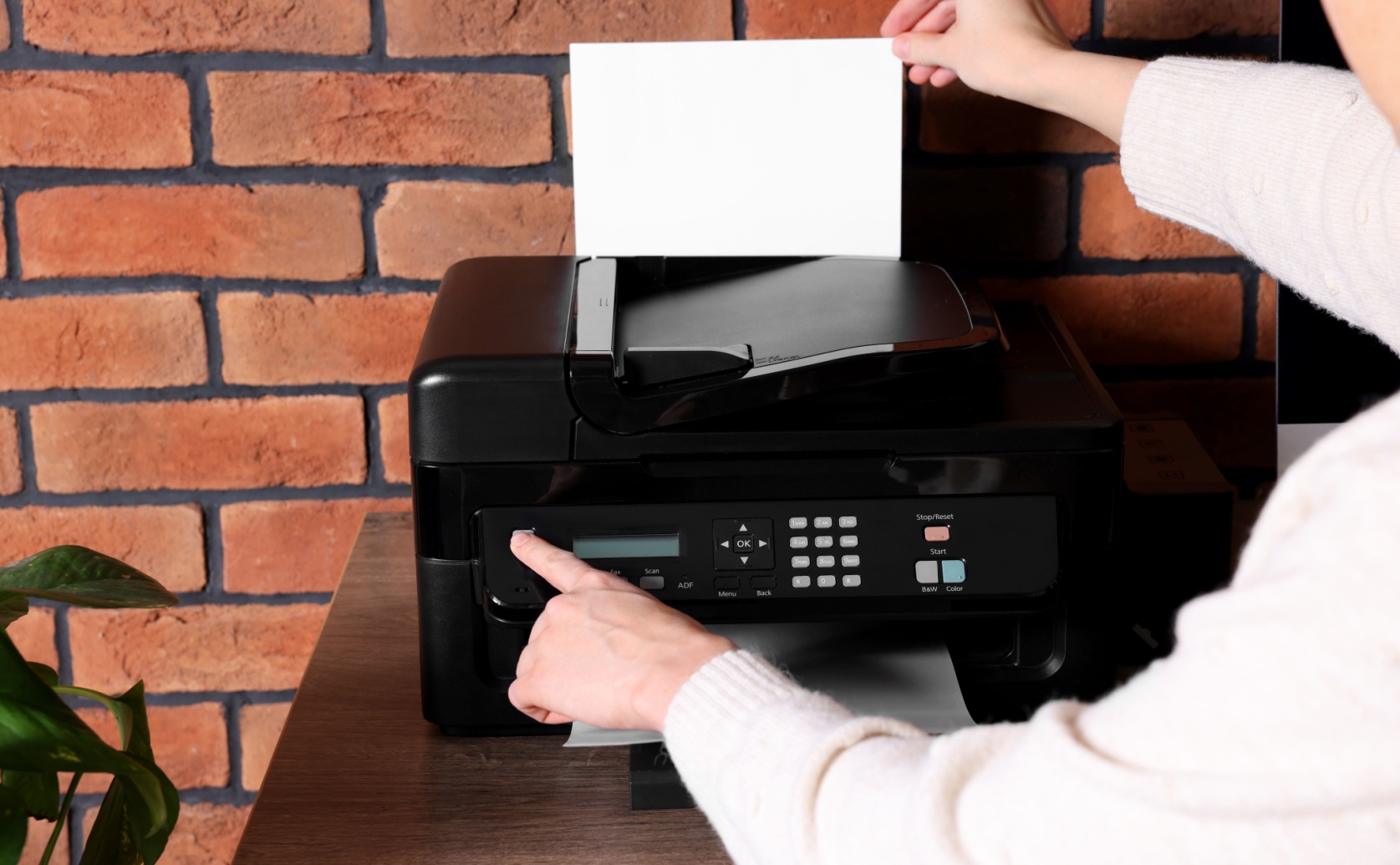
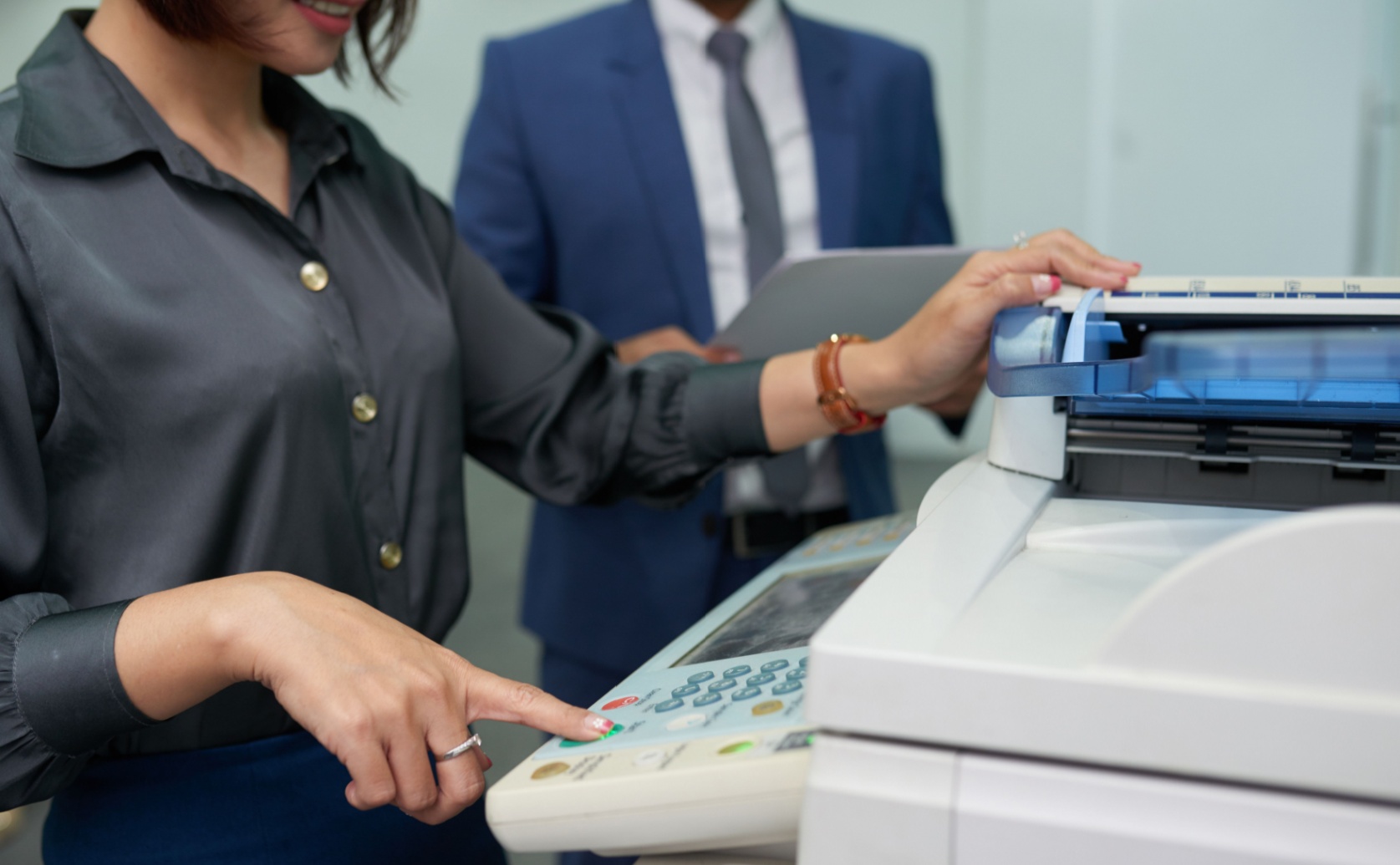
Photocopier (Modern Multifunction Device)
- Designed for high-volume document copying
- Often includes printing, scanning, and fax capabilities
- Built for continuous office workloads
Printer (Standalone Device)
- Focused primarily on printing documents
- Typically suited for lower-volume tasks
- May not include advanced scanning or workflow features
In today’s business environment, especially in South Africa, these functions are often combined into a single multifunction Konica Minolta device.
Can a Photocopier Replace a Printer?
Yes, in most modern offices, a multifunction photocopier can fully replace a separate printer.
Konica Minolta devices offered by KM Connect SA are designed to handle:
- High-speed printing
- Document scanning and digital workflows
- Secure copying and printing
- Network and cloud integration
This means one machine can efficiently manage all office document needs.
When You Might Still Need a Separate Printer
Some businesses may still choose to use both a photocopier and a printer in specific situations:
- Small desktop printing needs in individual offices
- Departments requiring isolated printing access
- Remote or hybrid work environments with limited shared access
However, for most South African SMEs and corporate offices, a single multifunction device is sufficient.
Buying vs Leasing Konica Minolta Office Devices
Choosing between buying and leasing depends on how your business operates and grows.
Buying: Full Ownership Option
Buying is suitable for businesses with stable and predictable document needs.
Advantages:
- Full ownership of the device
- No ongoing contractual obligations
- Long-term asset control
Considerations:
- Higher upfront investment
- Maintenance responsibility
- Risk of technology becoming outdated
Leasing: Flexible and Scalable Option
Leasing Konica Minolta multifunction devices through KM Connect SA is a popular choice in South Africa.
Advantages:
- Lower upfront financial pressure
- Predictable operational planning
- Maintenance and support included
- Easy upgrades to newer technology
- Scalable for growing businesses
Considerations:
- Ongoing agreement structure
- Ownership depends on lease terms
Leasing is ideal for businesses that want flexibility and reduced operational risk.
Why Konica Minolta Multifunction Devices Are Ideal
Konica Minolta systems are designed to replace multiple office machines with one efficient solution.
Key Features Include:
- Print, copy, scan, and optional fax functionality
- High-speed document processing
- Secure user authentication and data protection
- Cloud and mobile printing integration
- Energy-efficient performance
These features make them suitable for South African offices of all sizes.
Why KM Connect SA
KM Connect SA delivers tailored Konica Minolta office solutions designed for South African business environments. With expert guidance and local support, businesses receive reliable systems that simplify document workflows and improve efficiency.
KM Connect SA Offers:
- Expert advice on photocopier vs printer requirements
- Flexible buying and leasing options
- Local servicing and technical support
- Scalable multifunction office solutions
- Reliable Konica Minolta technology
FAQs
Can a photocopier replace a printer completely?
Yes, modern Konica Minolta photocopiers can handle printing, scanning, and copying in one device.
Do small businesses need both a printer and a photocopier?
Most small businesses only need a multifunction photocopier unless there are very specific departmental needs.
Is leasing better than buying office equipment?
Leasing is often better for businesses that want flexibility, lower upfront costs, and included maintenance.
Can KM Connect SA help choose the right setup?
Yes, KM Connect SA provides expert guidance based on business size and workflow needs.
Are Konica Minolta devices suitable for heavy office use?
Yes, they are designed for high-volume, continuous business environments.
Take Action Today
Simplify your office printing setup with Konica Minolta multifunction solutions from KM Connect SA. Whether you need a photocopier, printer, or both, get expert support and scalable systems designed for South African businesses.
Contact KM Connect SA today to request a quote to find the right office printing solution for your business needs.